
Live Editing
Edit the page's real CSS rules straight from the side panel, see exactly which styles an element ends up using, watch every change accumulate as a diff, and sketch layout variations without touching source code.
CSS Editor
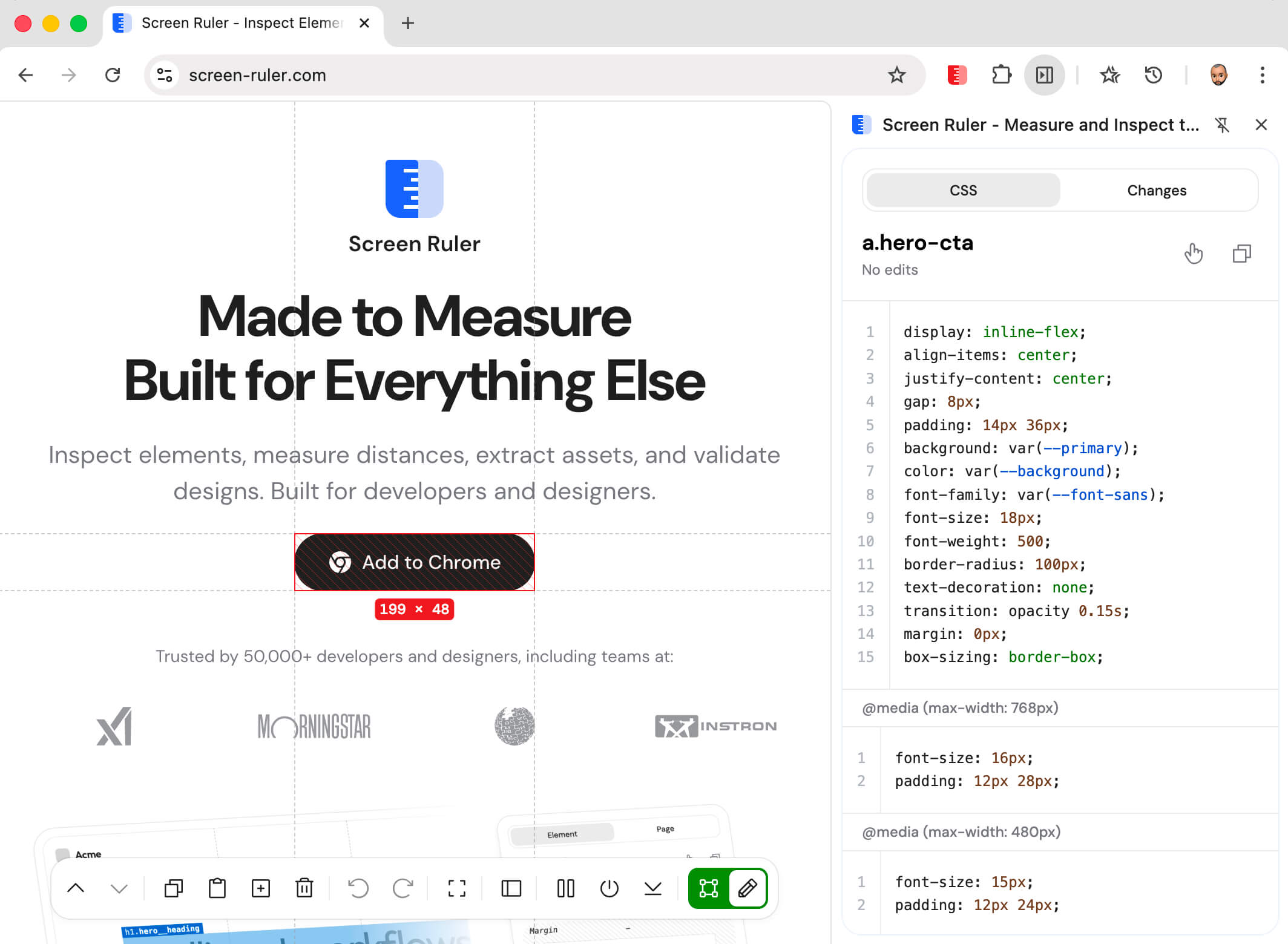
Switch the dock to Edit and click any element. The side panel shows that element's styles in two layers: Effective Styles, the declarations the element actually ends up using, and Rules, the real stylesheet rules they come from. Type a new value in either and the page updates as you type.
State forcing lets you preview :hover, :focus, :active, and :visited styles without needing to actually hover or focus the element. Pick a state from the editor header and changes apply only while that state is active.
Stylesheets hosted on a different domain are normally invisible to extensions. The editor offers a one-click prompt to grant access, after which those rules show up alongside the rest.
Effective Styles
Effective Styles answers the question DevTools makes you work for: out of everything the stylesheets declare, which values is this element actually using? One winning declaration per property, editable in place. Change a value and the edit applies to the element; hover a row to see which rule the value comes from.
Click any empty space to add a new declaration, or click beside an existing line to insert one directly below it. While you type, the list keeps your declarations where you put them instead of re-sorting, and settles back to alphabetical the next time you pick the element. Styles for ::before and ::after get their own small groups below the element's own.
Rules
Below the scratchpad sit the element's matched rules, real rules from the page's stylesheets, with their actual selectors and a source badge linking each one to the stylesheet and line it lives on. Editing here behaves exactly like editing the stylesheet: change a value and every element matching that selector updates, not just the one you picked. Selectors are editable too, so a rule can be retargeted on the fly.
The editor keeps the bookkeeping honest while you work. Declarations that lose the cascade are struck through, with a note naming the rule that beats them. A rule can declare the same property twice, and the one that wins is the one that would win in a stylesheet. Unknown properties and values the browser would reject get a wavy underline instead of silently doing nothing. Checkboxes toggle declarations off without deleting them.
Writing is quick: autocomplete suggests properties and values, Up and Down arrows step numbers by 1 (Shift for 10, Alt for 0.1), and pasting a blob like display: flex; gap: 12px splits into separate declarations. Click beside any declaration to start a new one directly below it, click beside the selector to add one at the top, or use the + in a section header to add a whole new rule to that section.
Media Queries
When the selected element has rules declared inside an @media block, the editor splits the styles into one section per media context. The base styles sit at the top, then each matched @media appears in the same order it does in the source. Rules inside @supports, @layer, and nested contexts edit in their full wrapper chain too.
Edits in a media section land in that context only. Change a value inside @media (max-width: 768px) and it applies at narrow viewports without touching the base styles. The + on a media section's header adds a new rule scoped to that breakpoint. The Changes tab keeps each diff wrapped under its @media block, so the copied output reads back as valid, ready-to-paste CSS.
State forcing combines with media. Pick :hover from the editor header and edit a value inside an @media section to layer the override into both dimensions at once.
Changes Tab
Every edit you make is tracked in the Changes tab next to the editor. Changes are grouped by the stylesheet they belong to, each group showing a diff with the original lines marked as removed, the new lines marked as added, and character-level highlights on the parts that changed.
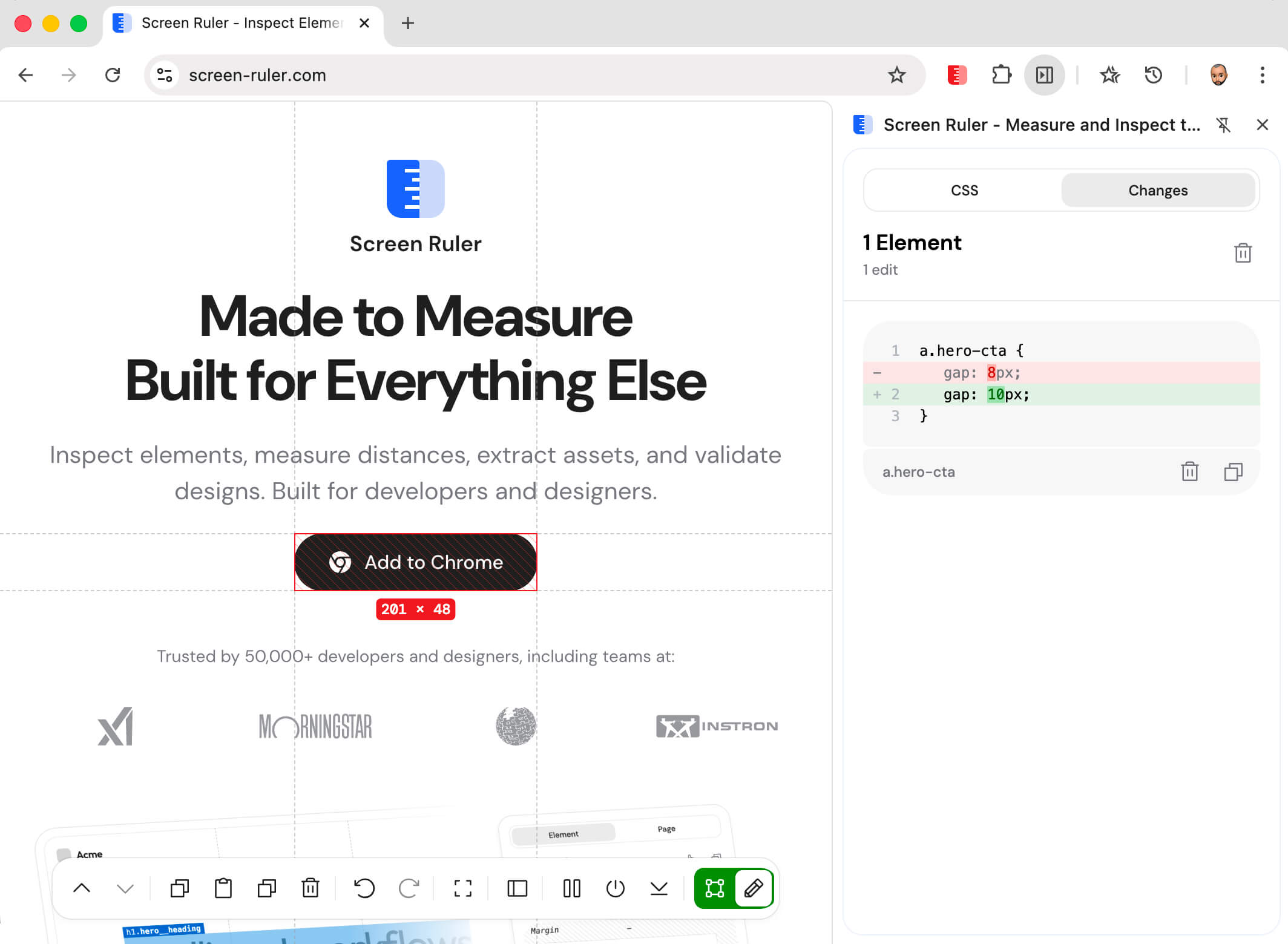
The copy action turns a group into ready-to-paste CSS for that stylesheet. Each change can be reverted on its own, and the header's revert action clears everything in one go.
HTML Editing
Edit mode also lets you change the page's structure, not just its styles. The dock turns into a set of element-level tools: Cut, Copy, Paste, Duplicate, Delete, Undo, and Redo. Each acts on whichever element you have selected.
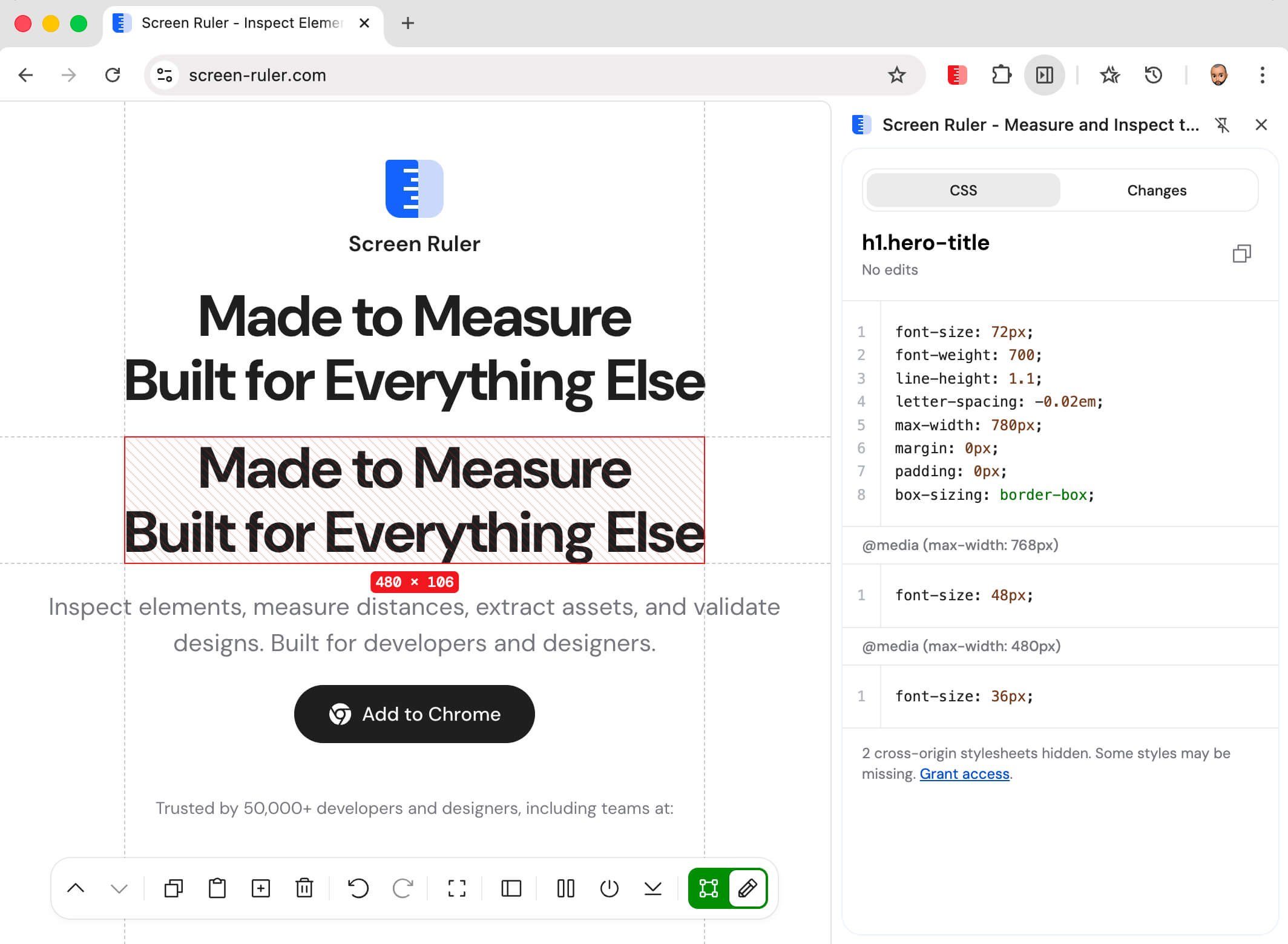
Combined with the CSS editor, that gives you a full prototyping loop without ever leaving the page or touching source files.